The moodboard that generates what you can't find.
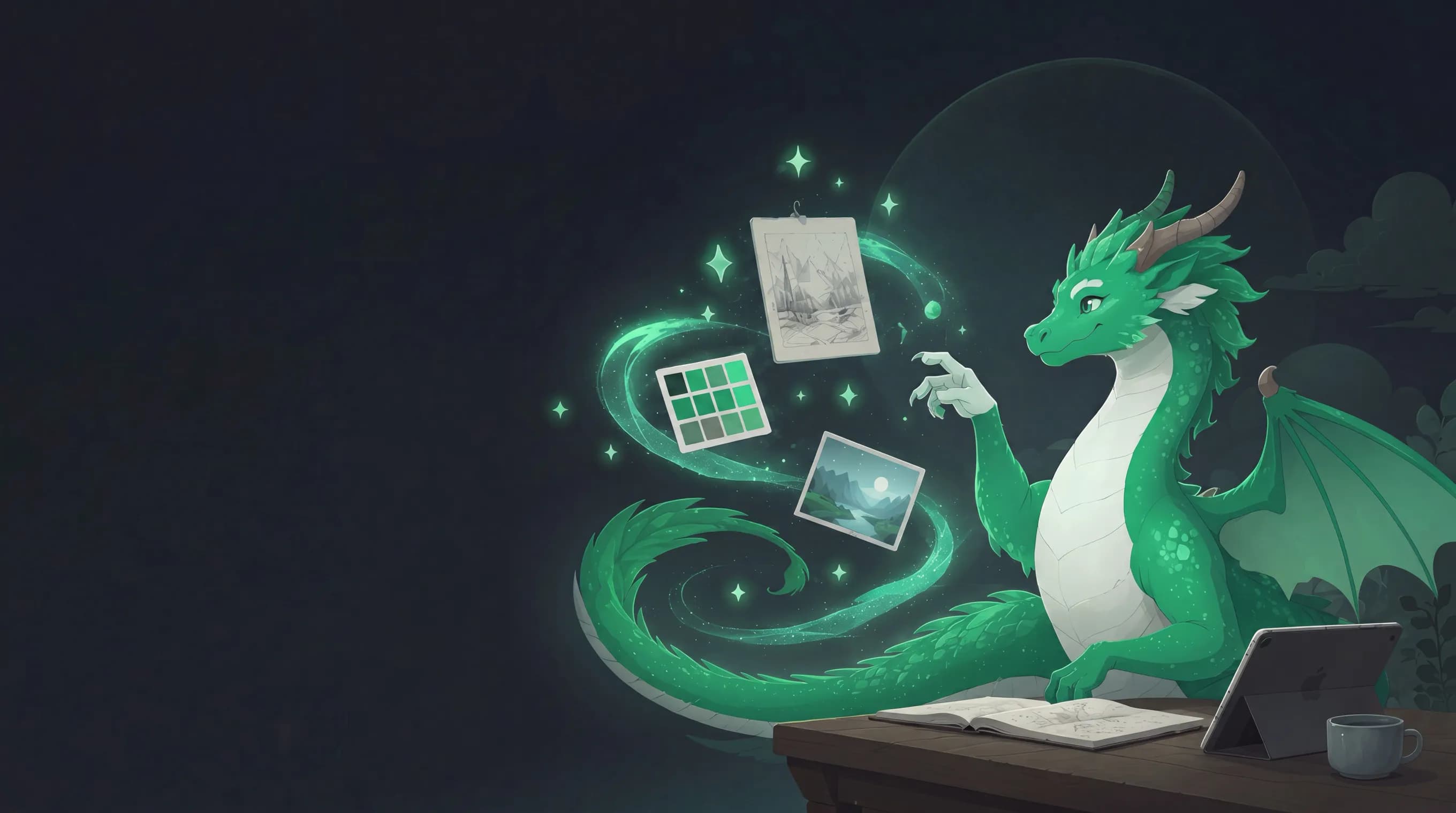
AI moodboard canvas for game developers
Drag in what you have — AI paints what's missing straight onto your board.
Free · No signup · Runs in your browser
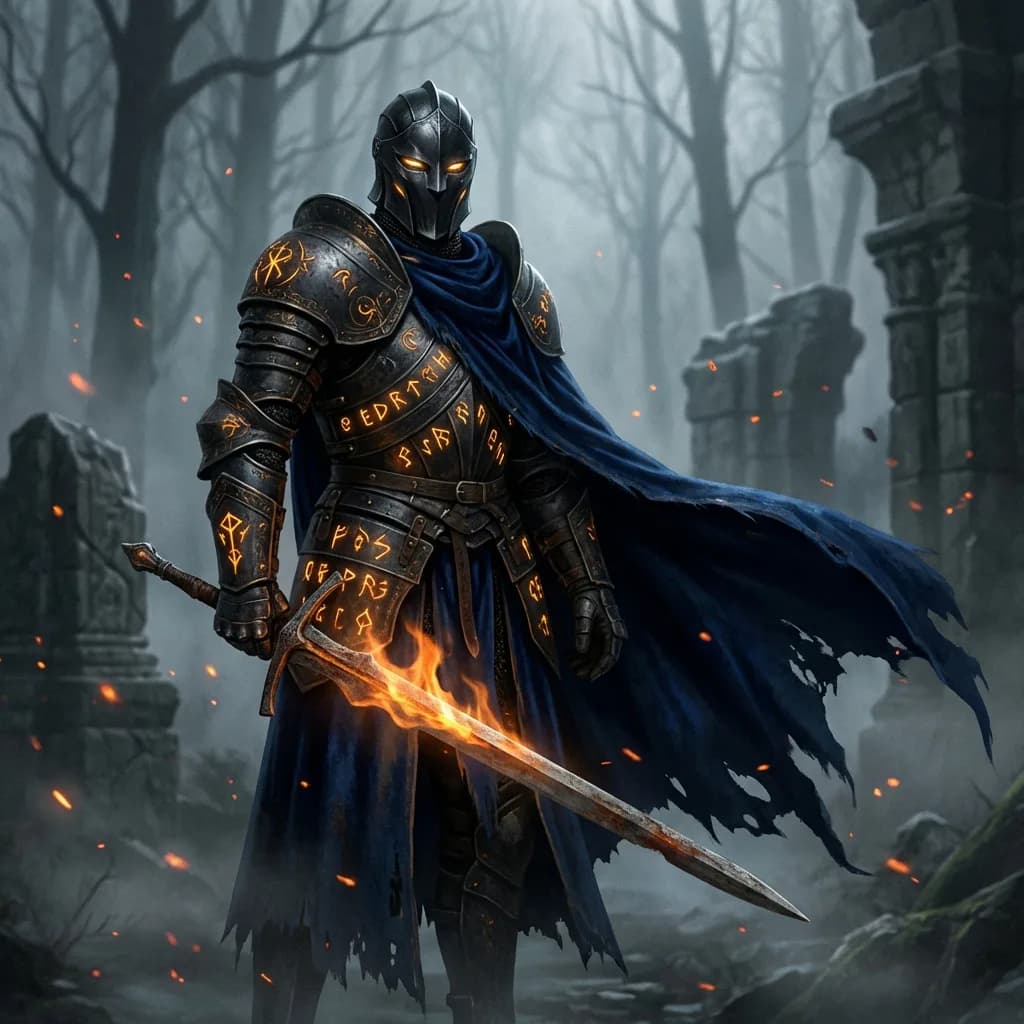
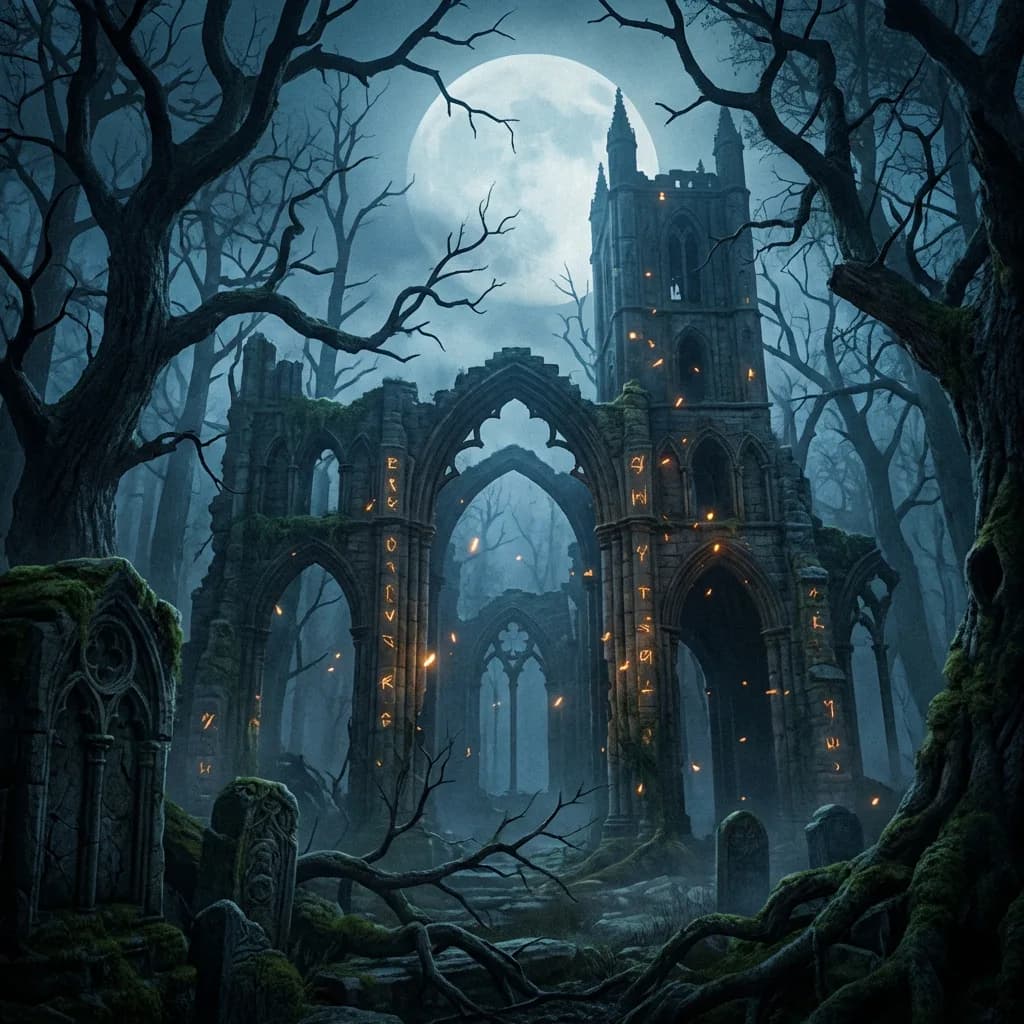
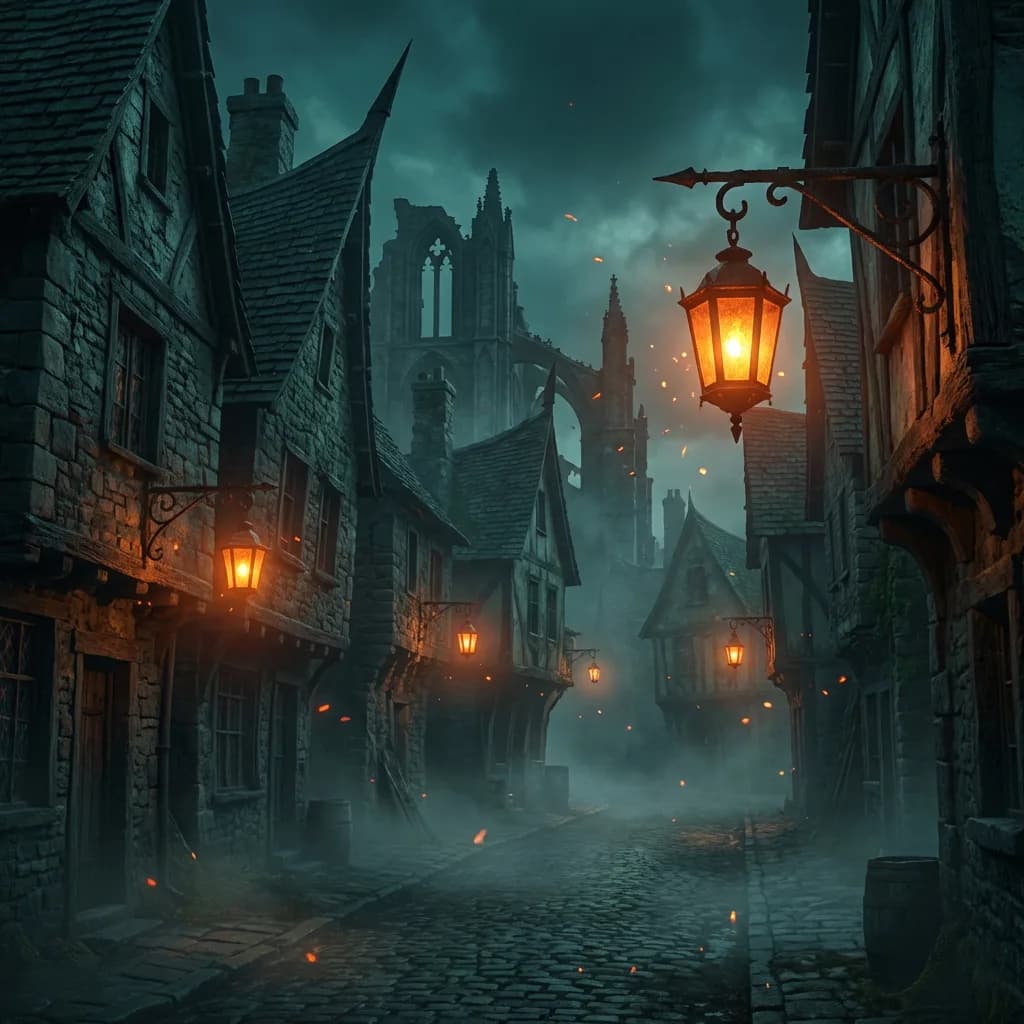
 Generated on this board
A horned antagonist to rule the cathedral ruins
Generate- No signup to try
- Runs in the browser
- Built for game devs
- Exports PNG · SVG · ZIP
Why Draggen
A faster loop between idea and image.
Start with whatever sparked it. See a direction in minutes, shape it while the idea is fresh, and move the result into the tools you already use.
- 01
See it
Make the idea visible.
Start with a sentence, sketch, screenshot, or loose reference. Generate something you can react to before the thought goes cold.
- Sentence
- Sketch
- Screenshot
- 02
Try it
Push the next version in context.
Move a reference, adjust a note, or generate again beside the last pass. The board keeps the visual context, so you do not rebuild the brief every time.
- Rearrange
- Regenerate
- Compare
- 03
Carry it
Keep your stack in the loop.
Pull worldbuilding notes from Obsidian. Export assets or pass board data through the API into ComfyUI, your engine, or your own tools.
- Obsidian
- ComfyUI
- API + exports
Inside the board
Your layout is the prompt.
Draggen reads the references, notes, palette, and placement around a gap. New assets start with the direction already on the canvas.
Working board / Neon Velocity
Board context active
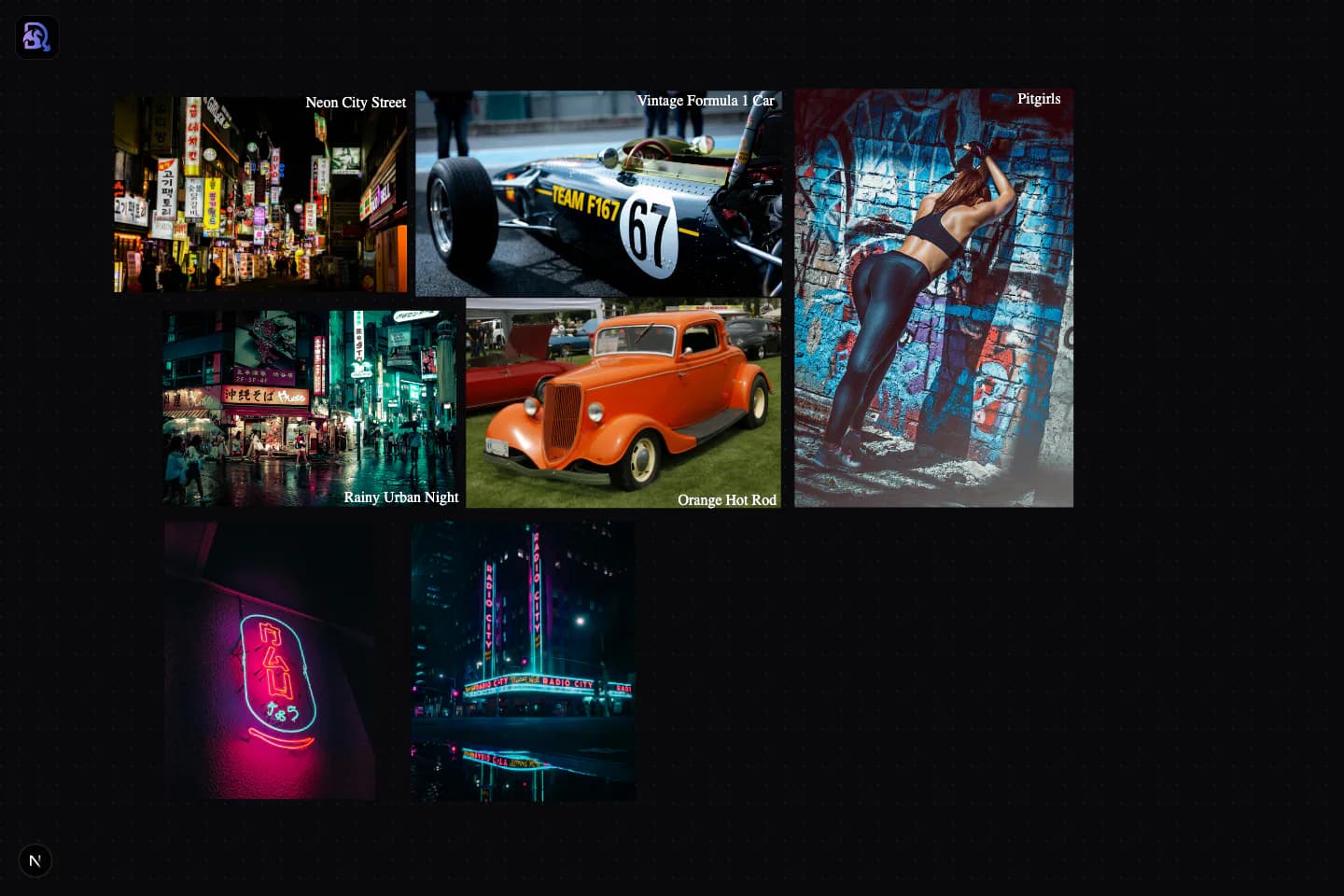
Iteration 04
Generate here“Keep the silhouette. Make the lighting colder.”
01 / Generate in context
The next pass starts closer.
Generate beside the references that matter. Nearby images, notes, and visual weight stay part of the request, so each pass begins inside the same visual conversation.
02 / Build the brief
More than a pile of images.
The choices around the art stay visible and editable on the same infinite canvas.
- Images
- Swatches
- Notes
- Arrows
- Background removal
Bring context in

Obsidian vault
Lore beside the art
Work in context
References + notes + generations
Keep moving
- API
- ComfyUI
- PNG
- SVG
- ZIP
How it works
A visual direction in three steps.
- 01
Drop in what you have
Screenshots, concept art, sketches — drag them onto the canvas and arrange them the way you think.
- 02
Generate what's missing
Describe the gap. Draggen generates it in place, matched to the board around it. Regenerate until it clicks.
- 03
Export the direction
Ship the board as PNG, SVG, or ZIP. Share it with collaborators or keep it open while you build.
Free · No signup · Runs in your browser
Pricing
Start free. Stay free if that's enough.
The free plan runs fully in your browser — no signup, no card, no watermarks. Paid plans add cloud storage and more generation, and every paid plan also unlocks Talebuddy, our writing companion.
Explorer
Everything you need to build boards locally.
€0forever
- 100 free generation credits (one-time)
- Unlimited boards, stored in your browser
- Full canvas: images, notes, swatches, arrows
- Export to PNG, SVG, and ZIP
- Top up credits pay-as-you-go
Archivist
Your boards, safe in the cloud, on every device.
€4€5/month
- Everything in the free plan
- Unlimited cloud storage and sync
- Obsidian vault sync
- Access to low & high tier AI models
- Discounted credit top-ups
Creator
For heavy generation across bigger projects.
€12/month
- 1000 generation credits every month
- Everything in Archivist
- Access to low & high tier AI models
- Discounted credit top-ups
- Priority support
Pay yearly and get one month free. Cancel anytime — your local boards are always yours.
FAQ
Before you ask
Is the free plan actually free?
Yes. You get a one-time allowance of 100 generation credits, unlimited boards stored in your browser, and full exports — no card, no watermarks, no trial clock. If you need more generation, you can top up credits or upgrade to Creator for a monthly allowance.
Do I need to create an account?
Not to try it — the canvas runs entirely in your browser, so you can open it and start. A free account unlocks the dashboard for creating and managing multiple boards (still stored locally); paid plans add cloud storage, so your boards follow you across devices.
Can I use the images in my game?
Yes. Everything you export is yours to use in your projects, including commercial ones. Draggen never adds watermarks, on any plan.
What happens when my credits run out?
The canvas never locks. You can keep arranging, annotating, and exporting your boards without credits — credits are only spent on AI generation. Buy a top-up any time, or upgrade to Creator for a monthly allowance.
Does it work on my phone or tablet?
Yes. Draggen runs in the mobile browser with the same canvas, tools, and AI generation — no app to install. Collect references on your phone, refine the board at your desk.
I already have references. Do I have to start over?
No — bring them. Drag in screenshots, concept art, and sketches from your files, then use AI only for the gaps. If you keep worldbuilding notes in Obsidian, paid plans sync your vault straight into Draggen.
Give your game a look it can stick to.
The board is open. Drag something onto it.
Free · No signup · Runs in your browser